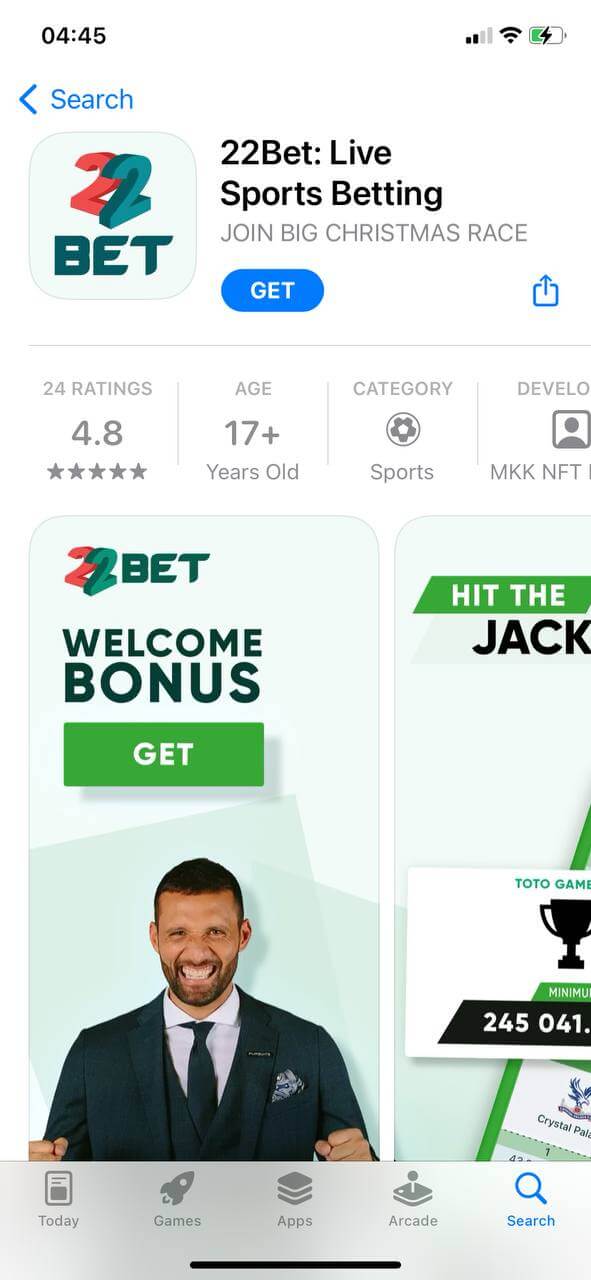
iOS app
You can download the 22bet app from the App Store.
Follow these instructions to download the 22bet app on your device:
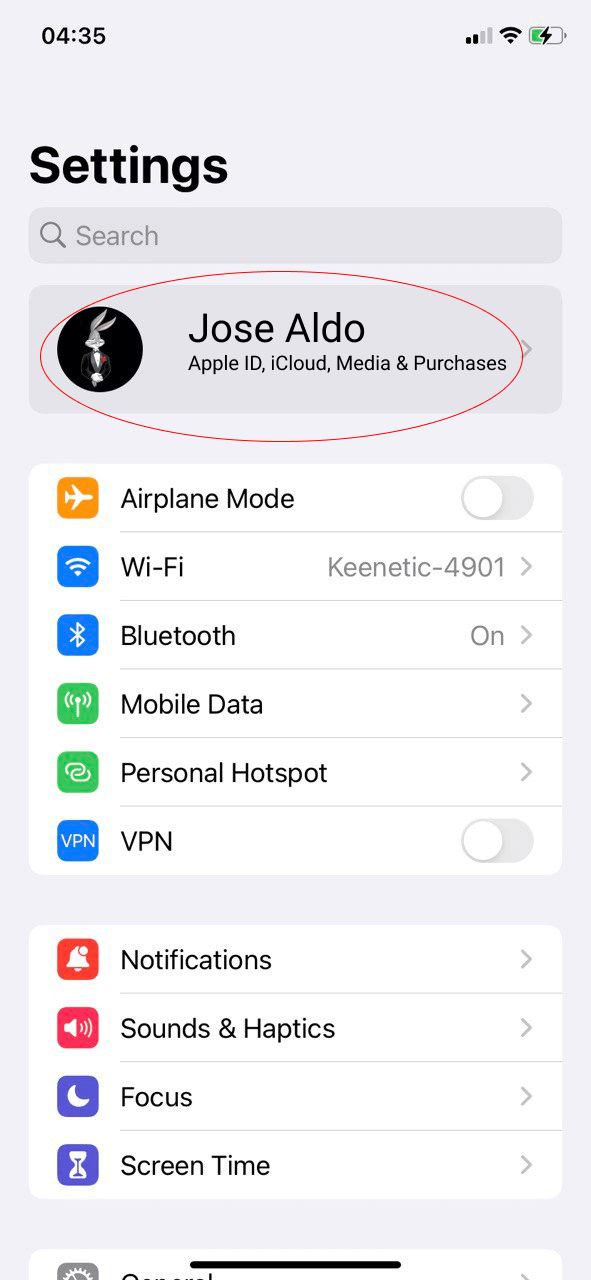
Step 1
Tap "Apple ID"
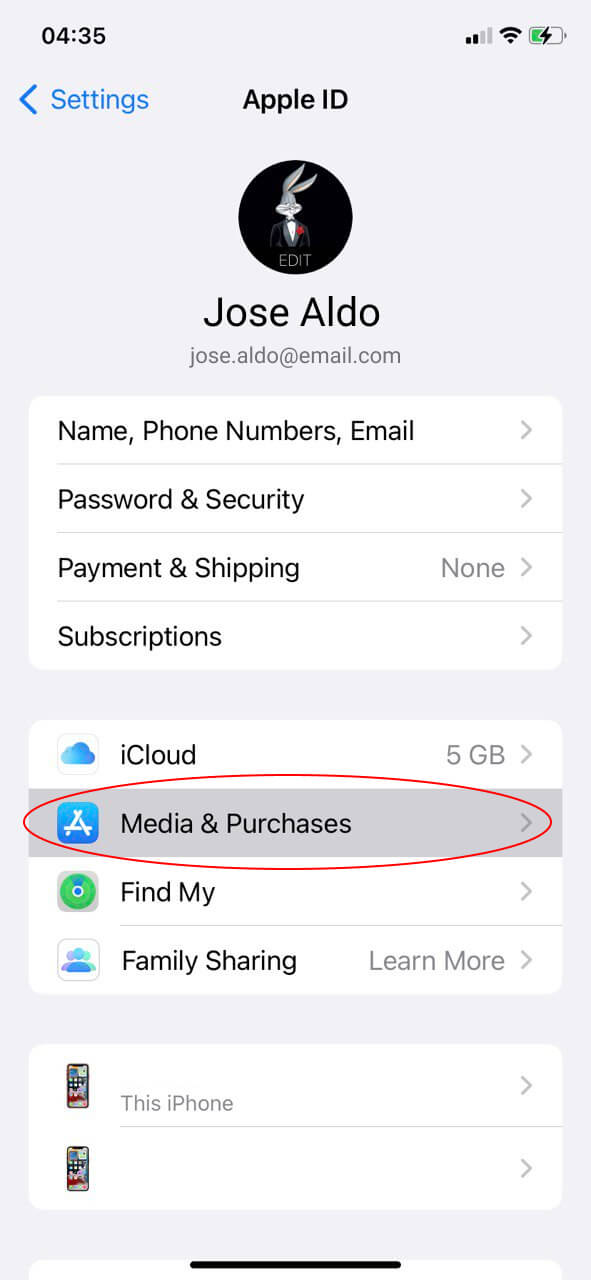
Step 2
Then press "Media & Purchases"
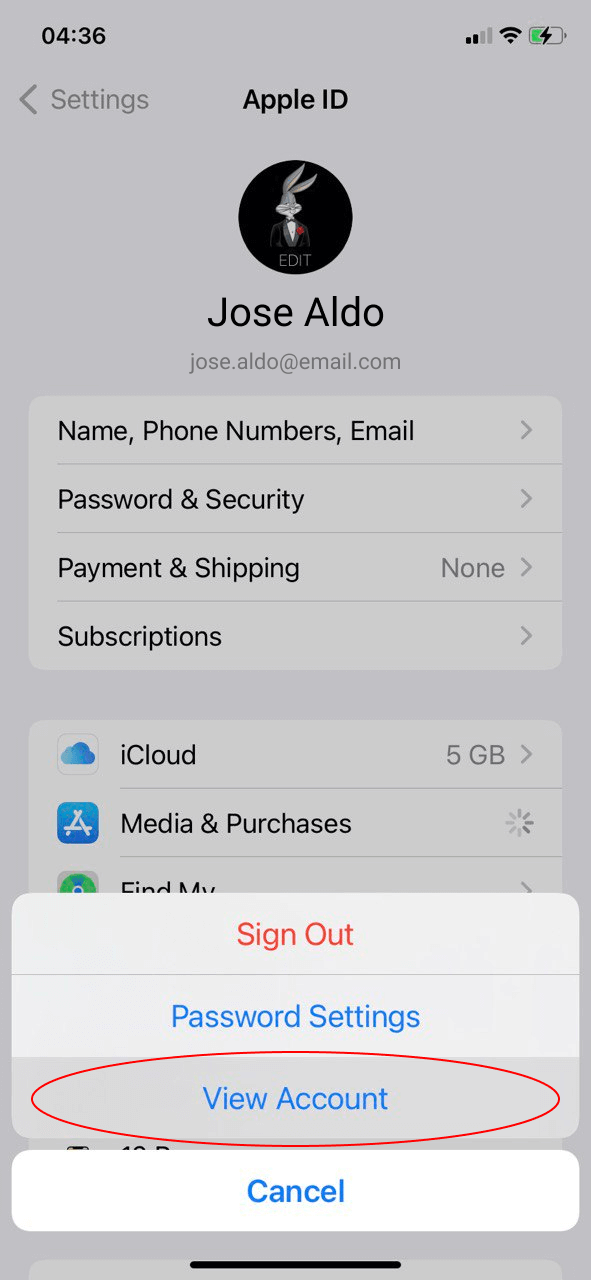
Step 3
Next, press "View Account"
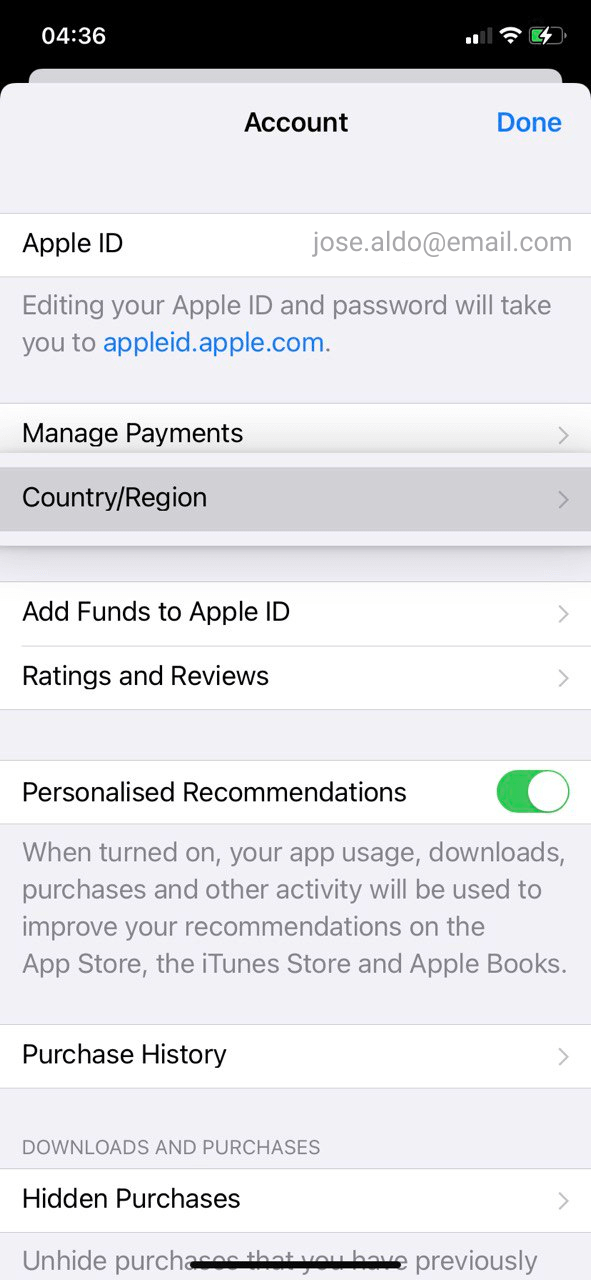
Step 4
Then tap "Country/Region"
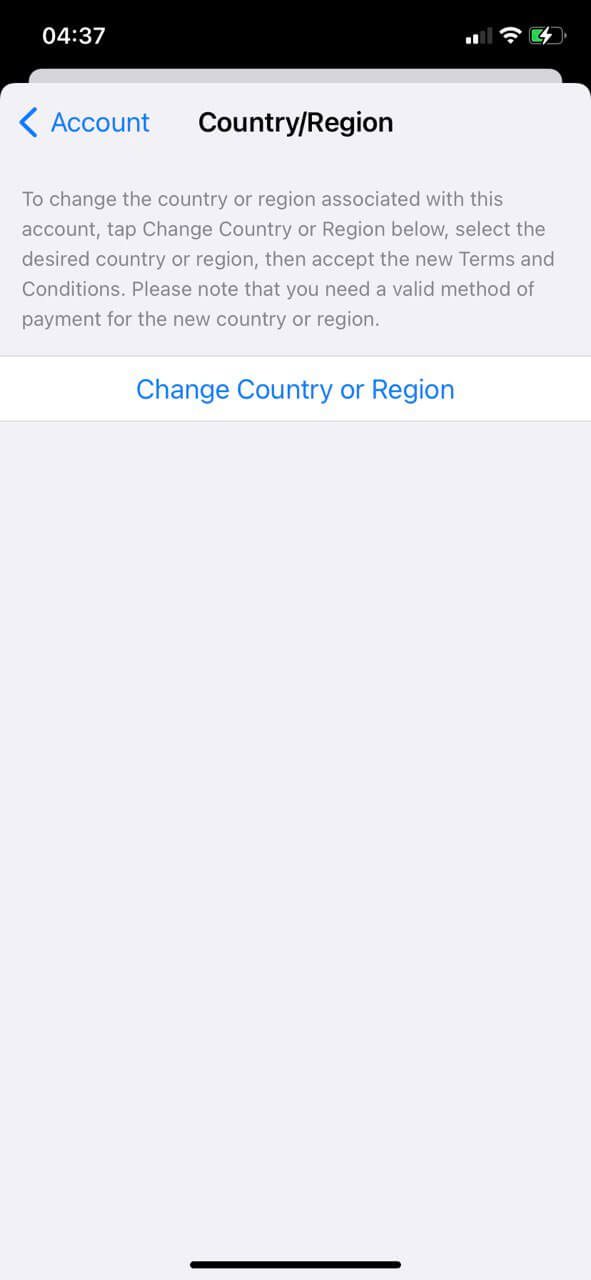
Step 5
Press "Change Country or Region"
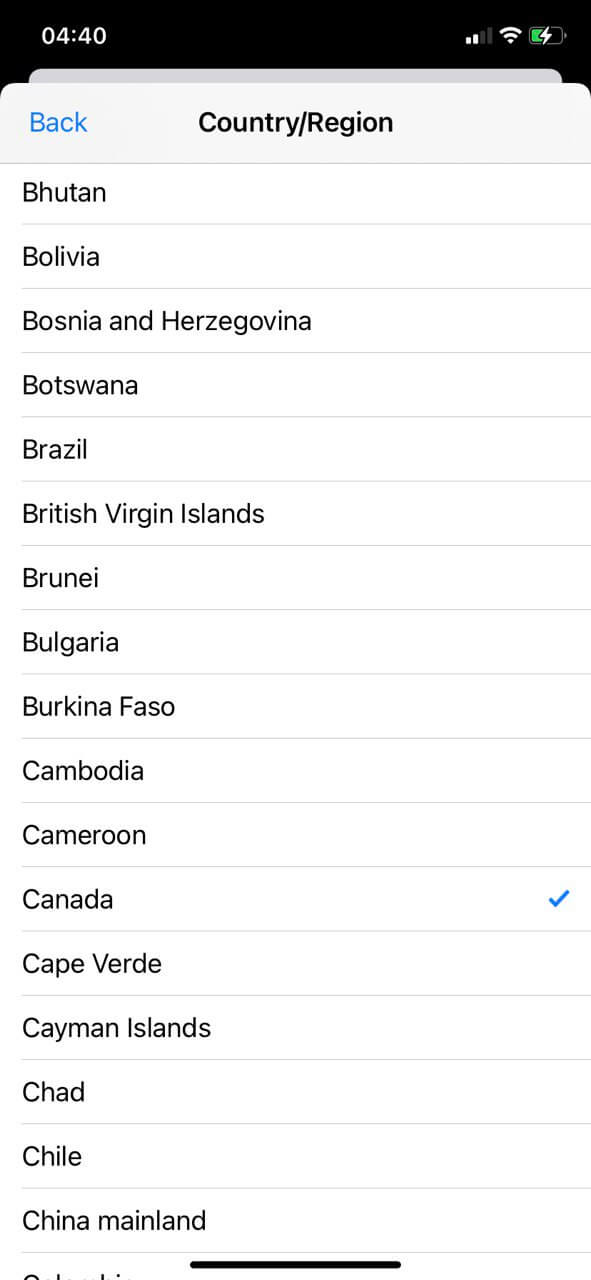
Step 6
Select "Canada" from the list of countries
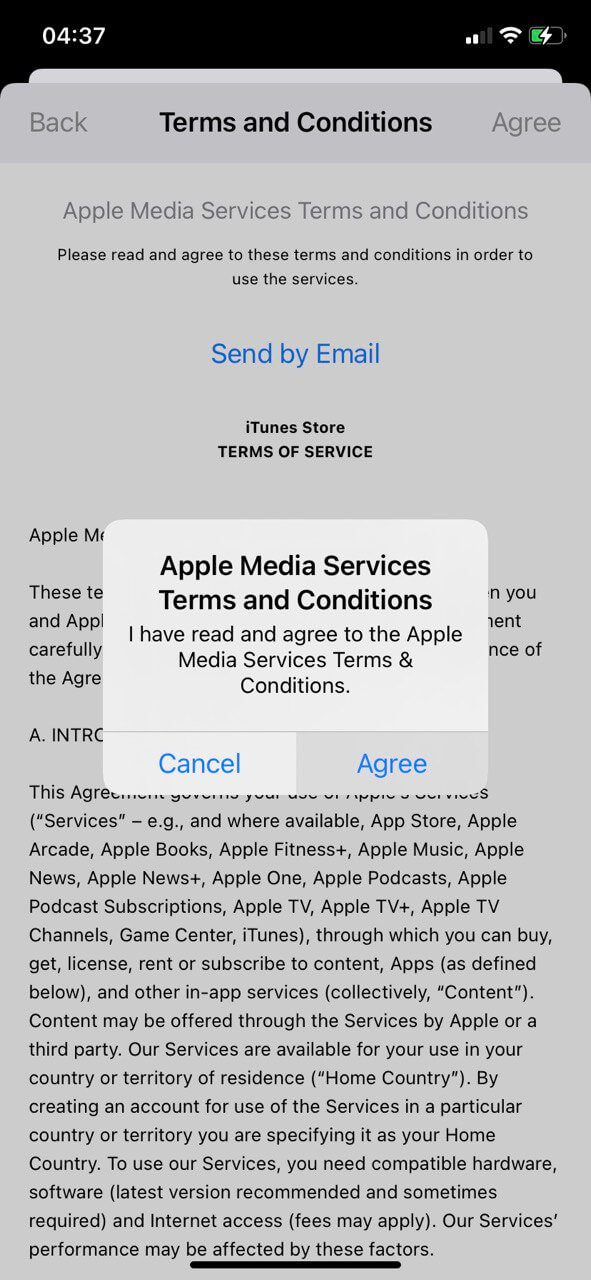
Step 7
Accept the terms of the agreement
by clicking "Agree"
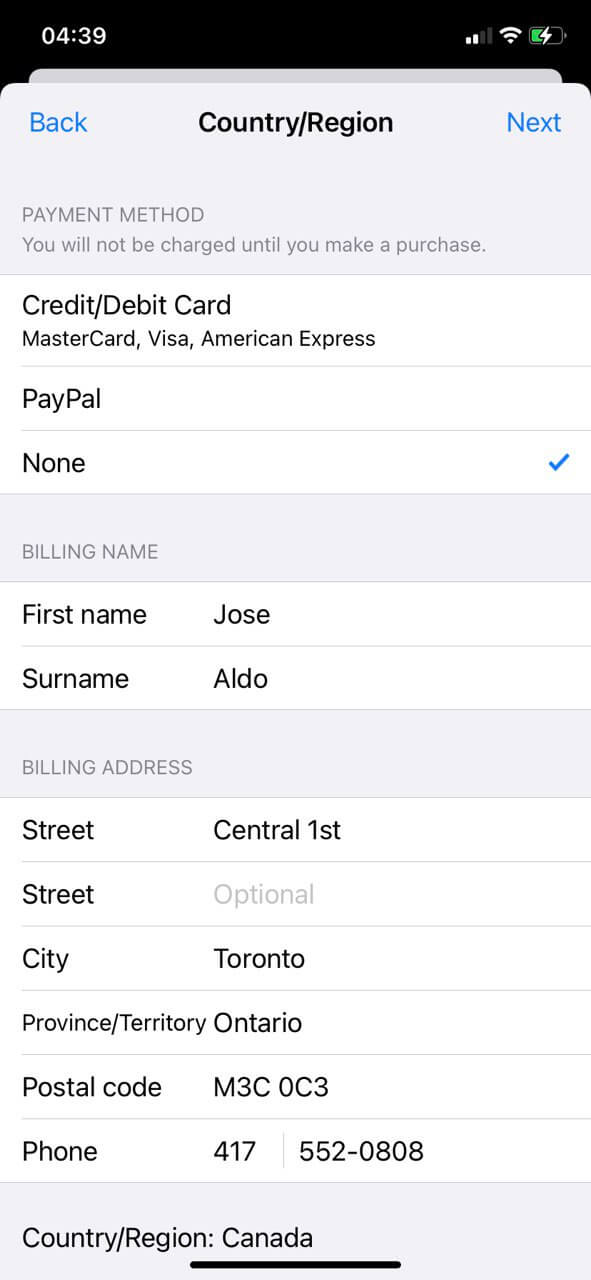
Step 8
Next, select "None" as the
payment method and fill in
the fields as shown in the picture